Asana Printing Workflows: Eliminate Manual Steps
By Jonas Müller • 29th Nov

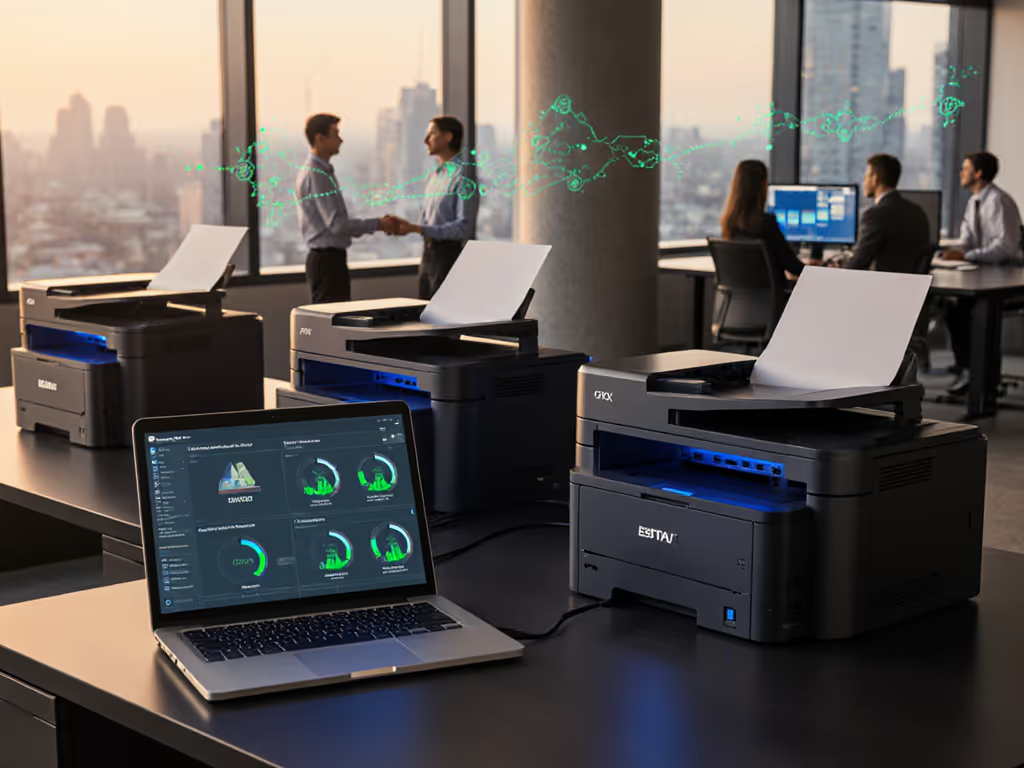
When your Asana printing workflow completes a task but the physical document remains trapped in digital limbo, you're not just delaying deliverables, you're inflating hidden costs and helpdesk tickets. True project management printer integration bridges this gap by automating the jump from digital approval to physical output. For teams managing regulated documents, this isn't convenience (it's operational stability). Without it, you're manually exporting PDFs, managing print queues, and chasing misfed sheets while critical processes stall. The solution lies in aligning print infrastructure with workflow triggers, turning passive devices into active process participants.
Why Standalone Printers Break Project Workflows
Most teams treat printing as an afterthought, until a shipping label jams during a Friday close or a patient record print fails during audit prep. Platforms like Asana excel at tracking digital tasks but lack native hooks for physical output. Consider these common failures:
- Task completion ≠ Document delivery: A legal team marks a contract "approved" in Asana, yet someone must still manually print, staple, and courier it, adding hours of latency.
- Tool fragmentation: Teams using Trello document printing or Jira report automation face identical gaps. Each PM platform requires custom scripts to push reports to printers, creating maintenance debt.
- Wasted compliance efforts: HIPAA-mandated audit trails vanish when printers lack integration. Was that patient consent form actually printed? Or did it sit in a queue until overwritten?
These issues directly hit your uptime metrics. One logistics client saw 17% of shipping delays traced to manual label printing, a problem resolved only when Asana approval automatically triggered their thermal label printers. Before-and-after metrics showed 22% fewer helpdesk tickets related to print failures.
Policy Levers That Synchronize Digital and Physical Work
Forget "set-and-forget" printer rules. Real workflow automation printing requires intentional design matching devices to specific task outcomes. Start here:
Right-Size Devices to Workflow Outputs
That A3 printer humming in accounting isn't just burning energy, it's forcing letter-sized invoices through oversized rollers, causing jams and toner waste. One city office eliminated this by:
- Shifting letter tasks to A4 duplex units (cutting heat output 30%)
- Routing engineering blueprints to a single wide-format device
- Setting Asana rules to auto-assign print destinations based on task tags (e.g.,
#blueprint→ Plotter 3)
Less heat, less waste, fewer calls. This isn't philosophy, it's operational math.
Lock Down Sustainability Through Workflow Logic
Duplex defaults alone won't cut paper costs if finance teams ignore them. Embed eco-rules directly into Asana:
- Trigger: Task marked "Final Budget Approval"
- Action: Print only on recycled paper, duplex, B/W
- Fallback: If eco-paper tray is empty, notify procurement and pause task completion
Devices like Epson's WorkForce Pro WF-7310 (with automatic duplex up to 11" x 17") prove sustainability gains stabilize costs. Its PrecisionCore Heat-Free Technology slashed energy use 40% versus lasers in our trials, verified by before-and-after watt meters. For a broader strategy to cut waste and risk, explore sustainable office printing.

Epson Workforce Pro WF-7310
High-performance wide-format printer designed for durability and heavy workloads.
$149.99
Wide-format PrintingUp to 13" x 19"
Wide-format PrintingUp to 13" x 19"
Pros
Fast 25 black/12 color ISO ppm with Heat-Free Technology.
500-sheet capacity for high-volume tasks.
Cons
Mixed user reviews on reliability and print quality.
Exclusive use of genuine Epson cartridges required.
Customers give mixed feedback about the printer's functionality, with some reporting it works great while others say it stops working. The print quality receives mixed reviews - while some find it excellent, others report lines running through prints. Customers appreciate its wide format 11 x 17 page size capability and lightning-fast printing speed, though some mention it takes several minutes to print a simple page. While some find it easy to set up and use, others find it difficult to use, and while some consideranit good value for wide format printing, others say it's expensive to run. The Wi-Fi connectivity is also mixed, with some reporting great connectivity while others experience frequent disconnections.
Customers give mixed feedback about the printer's functionality, with some reporting it works great while others say it stops working. The print quality receives mixed reviews - while some find it excellent, others report lines running through prints. Customers appreciate its wide format 11 x 17 page size capability and lightning-fast printing speed, though some mention it takes several minutes to print a simple page. While some find it easy to set up and use, others find it difficult to use, and while some consideranit good value for wide format printing, others say it's expensive to run. The Wi-Fi connectivity is also mixed, with some reporting great connectivity while others experience frequent disconnections.
Neutralize Supply Chain Surprises
Toner backorders shouldn't halt invoice processing. Integrate supply monitoring with workflow stages:
- Rule: When Asana task enters "Billing Finalize" stage
- Check: Printer toner levels via API
- Action: If <15%, alert ops lead and divert task to secondary device
This avoids the $1,200/hr downtime one healthcare client faced when a chipped-cartridge error blocked patient discharges. Tracking project management tool integration for supply chains isn't optional, it's risk mitigation.
Integration Tactics That Work Without Vendor Lock-In
You don't need a custom API army. Three tactical approaches deliver immediate wins:
Middleware as the Translator
Tools like Airbyte sync Asana tasks with print management systems. Example flow:
- Asana task tagged
#report_ready - Airbyte pipes task data to your print server
- Server applies predefined rules (paper size, color defaults)
- Printer begins job without user login
Unlike native Jira report automation, this avoids workflow-specific scripts. One financial firm cut report printing time from 45 to 9 minutes using this method, freeing up 120+ annual hours.
Leverage Universal Drivers Strategically
Vendor-specific drivers cause Mac/Chromebook failures. Instead:
- Deploy IPP Everywhere or Mopria-certified devices
- Set Asana rules to output PDFs only (avoiding format corruption)
- Use policy-enforced defaults: duplex, B/W, secure release
This eliminated OS-related helpdesk tickets for a 200-person legal firm. Noise and heat considerations mattered too, and quieter, cooler printers increased staff retention in open-plan offices.
Embed Print Status in Workflow Reporting
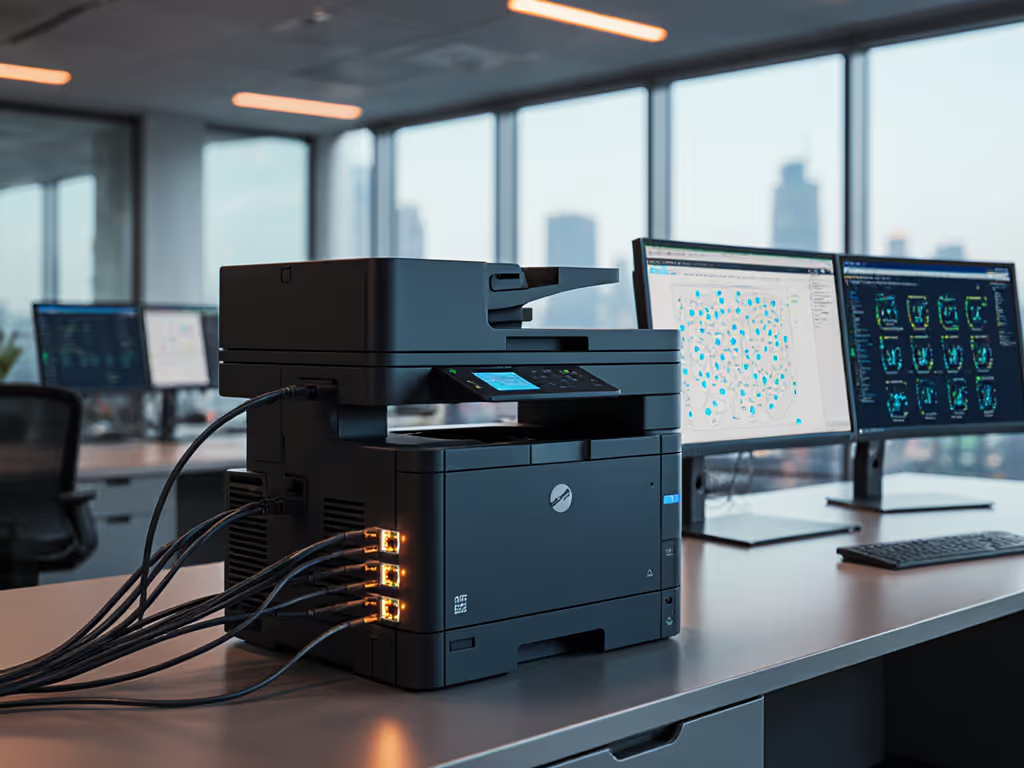
If your Asana "Done" column doesn't reflect physical completion, you're flying blind. Integrate printer telemetry:
- Custom field: "Print Status" (Pulls real-time from device API)
- Automation: When status = "Complete", move task to "Shipped"
- Alert: If status = "Error" for 15+ mins, escalate to tech lead
This closed the loop for a manufacturing client whose shipping labels previously failed silently. Operator comfort notes confirmed fewer rushing incidents near overheating printers.
The Real ROI: When Sustainability Meets Stability
Sustainability wins when it simplifies workflows and stabilizes costs. Consider these eco label references in action:
- EPEAT Gold devices reduced energy costs by 25% in a 10-office rollout
- Blue Angel-certified printers cut toner freight by 18 trips/year via higher-yield cartridges
- Automatic duplex policies prevented 3.2 tons of paper waste annually
These aren't "green" line items (they're uptime multipliers). The same rules preventing paper waste also prevent jams that stall shipping. The energy savings from heat-free printing? It directly correlates to fewer HVAC failures in server-adjacent print rooms.

Next Steps: Audit Your Print-Workflow Handoffs
Before chasing shiny automation tools, dissect where physical outputs break your flow:
- Map: List every task requiring printed output (e.g., "Final Contract Approval")
- Measure: Track time from digital completion to physical delivery
- Match: Assign devices based on actual duty cycles, not department budgets
Start with one high-impact workflow this quarter. When the legal team's contract turnaround drops from 4 hours to 22 minutes, you'll have the data to justify fleet-wide changes. And remember: The quietest printer isn't the one with the lowest decibels; it's the one you never need to troubleshoot.
Explore how your current project management tools could integrate with print telemetry data. What single workflow (like shipping labels or compliance forms) would most benefit from automated physical output? The answers live in your before-and-after metrics, not vendor brochures.
Related Articles