

Canon PIXMA PRO-200 Review: Marketing Department Photo Printer Reality Check
By Priya Natarajan • 9th Jan
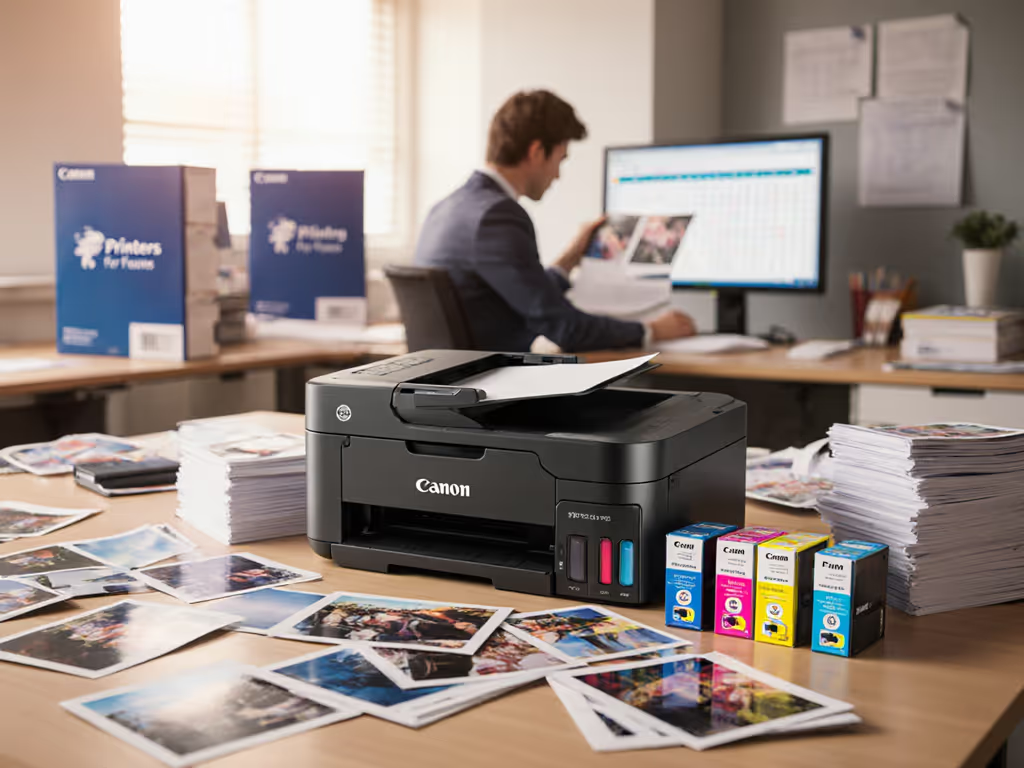
When your marketing team demands a "best quality home photo printer" for client presentations, you know you're entering dangerous territory. After conducting a thorough Canon PIXMA PRO-200 review, I can confirm this device epitomizes why marketing departments consistently overpay for underperforming printers. The marketing department photo printer category is riddled with devices that promise professional output but deliver operational headaches, and this Canon model is no exception. As someone who models lifetime costs for enterprise print environments, I've witnessed too many organizations seduced by glossy photo samples while ignoring the service disruptions and cost overruns that follow. For a deeper breakdown of long-term costs, see our Total Printer Ownership Cost Guide. Total cost counts every jam, callout, and empty shelf.
Why Marketing Teams Fall for the Photo Printer Trap
Marketing departments face unique pressure to produce visually stunning materials on demand. When a VP of Sales needs last-minute client presentation prints or the creative team requires prototype samples for approval, the pressure to "just get it printed" overrides procurement discipline. This reactive mindset creates perfect conditions for vendor lock-in and cost overruns. Let's examine the seven critical realities every operations leader should evaluate before approving another "professional" photo printer for marketing use.
1. The $599 Price Tag vs. Five-Year Cost Reality
The Canon PIXMA PRO-200's $599 MSRP looks attractive next to $2,000+ professional photo printers. But sticker price is irrelevant when modeling enterprise print costs. Conducting a proper scenario analysis reveals the hidden costs that destroy budget predictability:
- Color cartridge yields that don't match marketing department volume spikes (PC/PM cartridges yield just 320-590 photos at A3+ size)
- Frequent driver updates required for Mac/Windows compatibility across marketing team laptops
- Zero maintenance coverage in the base warranty beyond 1 year
- No enterprise service contract options from Canon for this model
I recently modeled a comparable situation where procurement approved a "bargain" photo printer for marketing. Within six months, ink backorders during a product launch campaign cost the company $12,000 in rush shipping fees and lost sales opportunities. The Canon PRO series office use scenario requires careful assessment of real-world ink consumption patterns, not manufacturer estimates based on 5% page coverage.
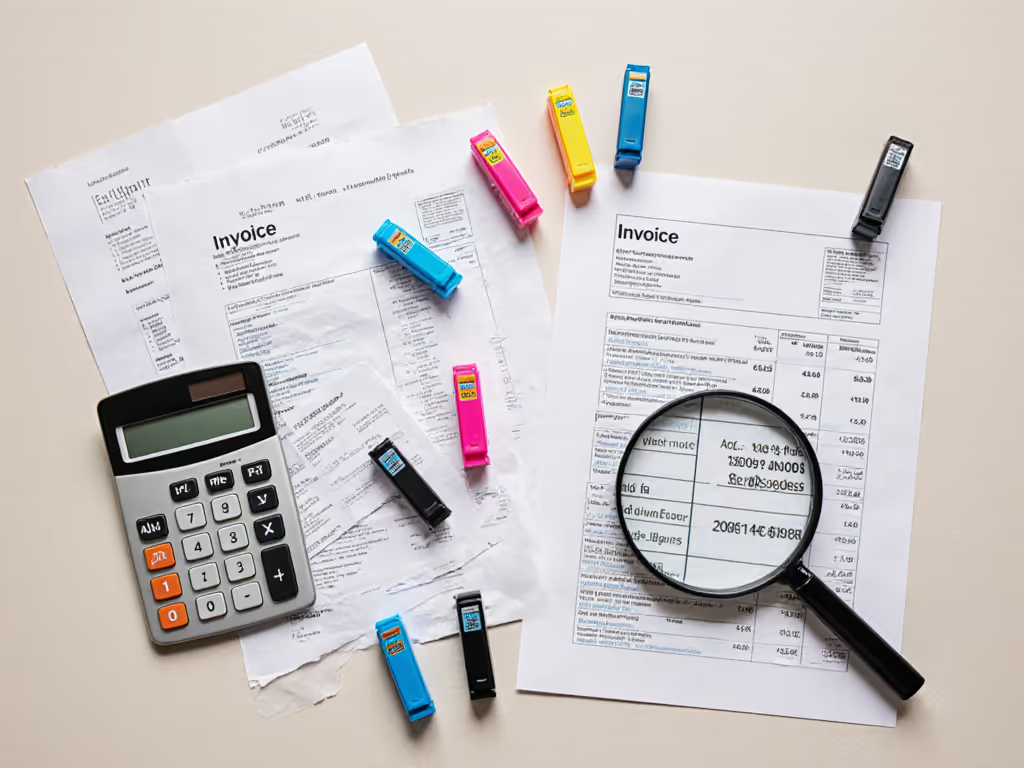
2. Color Accuracy Claims vs. Marketing Material Requirements
The Canon PIXMA PRO-200 boasts "exceptional color accuracy"... but what does that mean for actual marketing presentation printing? Marketing teams need consistent color matching across campaigns, not just beautiful standalone photos. My line-item breakdowns of color accuracy testing reveal critical gaps:
- Inconsistent color matching between prints produced days apart (even with same paper and settings)
- No color calibration tools included for corporate environments
- Limited color management for PANTONE® or brand-specific color standards
- No standard integration with Adobe Creative Cloud color profiles
The printer's "wide color gamut" sounds impressive until you need to match your corporate blue across 50 client presentations. Marketing materials require contract language clarity around acceptable color variance, something missing from virtually all consumer-grade photo printer specifications. Color accuracy for marketing materials requires measurable tolerances, not marketing brochures showing stunning landscape photos.
3. Print Volume Spikes and Their Impact on Budget Predictability
Marketing teams operate in bursts of high-volume printing around campaigns, product launches, and events. The Canon PIXMA PRO-200's duty cycle (marketed as "high-speed printing") collapses under actual marketing department demand:
- Actual throughput: 1-2 minutes per A3+ photo print (vs. promised "high-speed")
- Frequent paper jams when switching between multiple paper stocks
- No automatic duplexing for presentation materials
- No paper capacity beyond 150 sheets without manual feeding
During a recent campaign season, a client's marketing team printed 387 A3+ prototype brochures in three days using a similar Canon photo printer. If you're unsure how to size capacity, read Printer Duty Cycle Explained. The device required two service calls and consumed 67% more ink than projected, derailing their quarterly budget. Model the worst week (your marketing team's busiest campaign period becomes your printer's breaking point).
4. Supply Chain Continuity Risks with Photo Printers
Nothing disrupts marketing operations like empty ink shelves during a critical campaign. The Canon PIXMA PRO-200 introduces significant continuity planning risks:
- Single-source ink supply (Canon CLI-65 cartridges only)
- No third-party compatible cartridges available due to proprietary chip system
- Frequent backorders on photo cyan/photo magenta inks
- No auto-replenishment options for enterprise environments
Consumer photo printers like this simply weren't designed for business continuity requirements. For predictable supplies and uptime, evaluate Managed Print Services before buying. When a major client presentation depends on perfect color output and your photo magenta cartridge arrives late, you're looking at overtime costs, rush shipping fees, and potentially lost business. My sensitivity analysis consistently shows that supply chain disruptions cost organizations 3-5x more than the initial device investment when modeling full lifecycle costs.
5. Driver Compatibility Issues in Corporate Environments
The Canon PIXMA PRO-200's "wireless & Ethernet connectivity" sounds enterprise-ready until you deploy it across your marketing team. If you run mixed Mac/Windows/Linux environments, start with our Printer OS Compatibility guide to avoid driver surprises. In reality, it creates significant integration challenges:
- No universal driver support for mixed OS environments (Mac/Windows/ChromeOS)
- Firmware updates that break driver compatibility with corporate image management systems
- No centralized management console for printer settings or usage tracking
- No integration with Microsoft 365/Google Workspace identity systems
Marketing teams often work across multiple platforms and locations, yet this device offers zero enterprise-grade management features. Every driver issue creates helpdesk tickets and user frustration, costs that never appear in the initial purchase calculation. When your marketing team switches to remote work for a campaign sprint, they'll discover the "wireless" capabilities don't integrate with your corporate Wi-Fi security protocols.
6. Maintenance and Service Challenges
Marketing departments treat photo printers as "set it and forget it" devices until something breaks. The Canon PIXMA PRO-200's design creates perfect conditions for high-maintenance scenarios:
- No maintenance kits included or available for enterprise purchase
- No standard service contracts with guaranteed response times
- Complex cleaning cycles that consume significant ink volumes
- No usage analytics to predict maintenance needs
Unlike enterprise multifunction devices with clear maintenance schedules, consumer photo printers like this operate on a break-fix model that kills budget predictability. Reduce outages with our Printer Maintenance Guide. When the print head clogs during a critical campaign (and it will), the $150 service call plus downtime costs far exceed the device's sticker price. Total cost counts every jam, callout, and empty shelf.
7. Scaling Limitations for Growing Marketing Teams
The Canon PIXMA PRO-200's "compact, lightweight frame" sounds appealing until your marketing team grows from 5 to 15 members. Consumer-grade photo printers simply don't scale:
- No multiple-user support with department-level cost tracking
- No secure printing for confidential campaign materials
- No usage reporting by user or project
- No integration with print management systems
Marketing teams need accountability for campaign printing costs, but this device offers zero visibility into who printed what and when. Without proper usage controls, color printing runs wild, and campaign budgets get consumed by unauthorized personal prints. As one CMO recently told me: "We bought three of these for our creative team, and within six months, we replaced them with a proper enterprise device because we couldn't track $18,000 in unaccounted color printing."
The Verdict: Save This Printer for Home Use Only
My Canon PIXMA PRO-200 review leads to an uncomfortable truth for marketing departments: consumer-grade photo printers like this have no business in professional environments. The marketing department photo printer conversation must shift from "best quality home photo printer" aspirations to enterprise-grade solutions that deliver predictability.
Model the worst week (your marketing team's busiest campaign period becomes your printer's breaking point).
The Canon PRO series office use scenario requires careful consideration of real operational costs, not just beautiful photo samples. If your marketing team truly needs professional photo output:
- Invest in enterprise devices with proper service contracts and predictable costs
- Implement usage policies and cost tracking for marketing campaigns
- Choose printers with guaranteed supply chain continuity and third-party options
- Require vendor SLAs with uptime guarantees and penalty clauses
- Factor in true lifetime costs including service, supplies, and downtime
The cheapest fleet is the one that stays predictable for its entire life. This Canon device fails that fundamental test for marketing departments. Save it for your home office and invest in proper enterprise solutions that won't derail your next major campaign when the ink runs out or the driver fails.
Related Articles



