Manufacturing Floor Printers: Dust & Vibration Survival Guide
By Maya Chen • 10th Dec
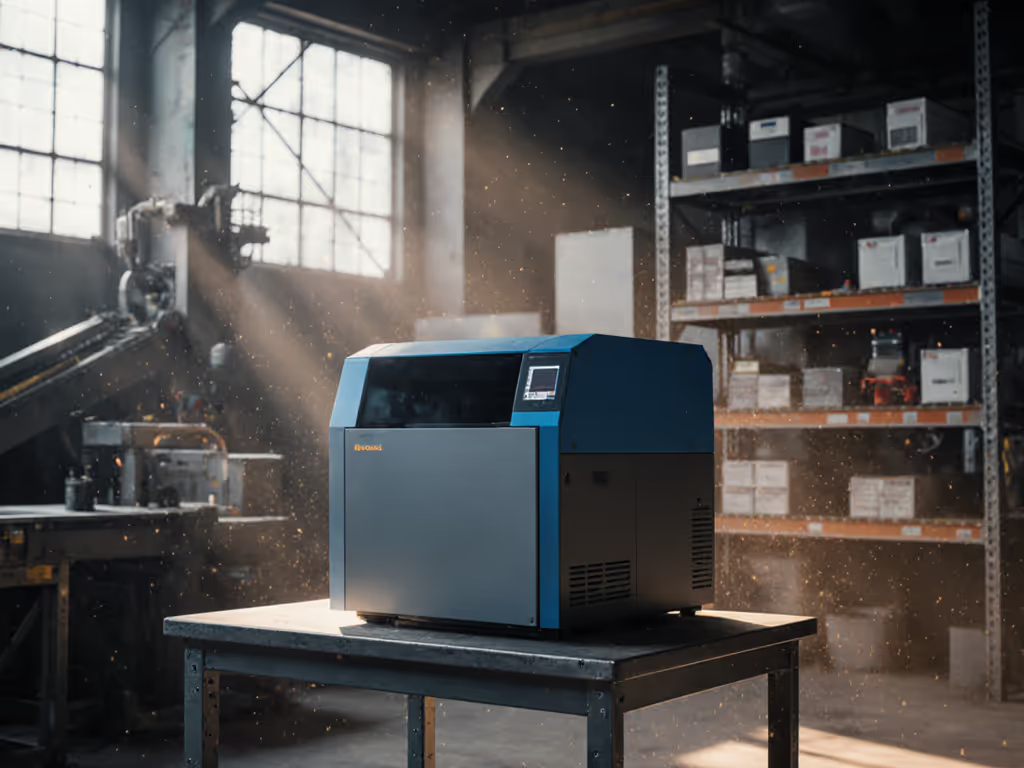
When deploying manufacturing floor printers in industrial printing scenarios, standard office devices fail catastrophically within weeks. The difference between functional uptime and constant ticket noise comes down to three non-negotiables: environmental hardening, workflow alignment, and driver governance. I've seen teams pour budget into "industrial-grade" claims only to face 30% monthly downtime from overlooked environmental factors. Let's dissect what actually survives on the factory floor.
Why Standard Office Printers Fail on Manufacturing Floors
Most SMBs treat printing as a generic IT function, deploying the same devices for HR and assembly lines. This ignores fundamental physics. On a recent hospital network rollout, I mapped intake-to-archive flows for admissions, labs, and billing. By replacing three models with two standardized drivers and prebuilt scan shortcuts, ticket volume fell by 38% and monthly downtime hours halved, without increasing spend. Workflow alignment beat raw ppm on every floor.
Office printers assume clean, climate-controlled spaces. Manufacturing environments violate these assumptions daily:
- Dust contamination: Metal shavings, wood fibers, or polymer dust clog paper paths and sensors
- Vibration: Nearby machinery destabilizes precision components (e.g., laser scanners, print heads)
- Temperature swings: 40°F warehouse winters to 100°F production summers exceed component tolerances
- Humidity extremes: Below 30% RH causes static discharge; above 70% RH warps paper and degrades ink adhesion
Uptime and driver sanity matter more than brochure speeds.
Critical Environmental Threats (and How to Mitigate Them)
Temperature & Humidity: The Silent Killers
Manufacturers publish operating ranges, but real-world variance demands buffer zones. Per EFI's CAB-00728 bulletin, their Pro 24f requires 68-86°F (20-30°C) and 30-80% humidity. Zebra industrial printers tolerate 40-104°F (5-40°C) but still suffer page curl below 50°F. The ideal operating environment for digital printers puts paper around 50-55% RH. Below 40% RH causes electrostatic paper handling failures, while above 60% RH creates ink adhesion issues. Key mitigation steps:
- Install localized HVAC with ±2°F/±5% RH tolerance (not whole-facility systems)
- Position printers away from loading docks, ovens, or cooling vents
- Use temperature-triggered maintenance alerts (e.g., "Schedule fuser inspection at 80°F+ for 4+ hours") For environmental setpoints and troubleshooting by climate, see our printer temperature and humidity range guide.
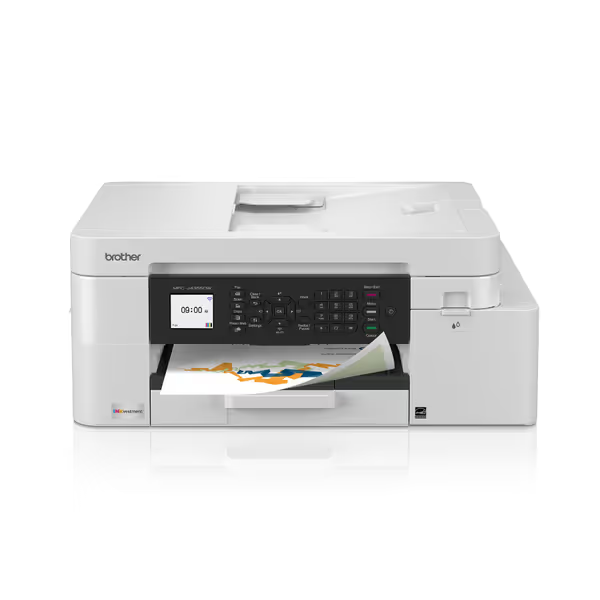
Brother INKvestment 4355 Wireless Color Inkjet All-in-One Printer
Compact, wireless all-in-one for home & small offices with refillable ink.
$209.98
4
Print Speed (Black)20 ppm
Print Speed (Black)20 ppm
Pros
Integrated ink tanks reduce hidden lifetime costs.
Wireless & mobile printing for flexible workflows.
Cons
Inconsistent user experience reported (print/connectivity issues).
Mixed reviews on print quality and overall value.
Customers find the printer easy to set up and appreciate its fast printing speed. The print quality and functionality receive mixed reviews - while some say it prints perfectly and works like a dream, others report issues with printing and malfunctioning.
Customers find the printer easy to set up and appreciate its fast printing speed. The print quality and functionality receive mixed reviews - while some say it prints perfectly and works like a dream, others report issues with printing and malfunctioning.
Note: This Brother office printer exemplifies typical SMB deployments. Its 65-90°F operating range fails in uncontrolled environments. Industrial units require wider tolerances.
Dust and Particulate Control
Wood/metal fabrication near print zones is a top failure cause (per EFI's advisory). Fine particles infiltrate paper trays, coat rollers, and jam motors. Risk register notes:
| Failure Mode | Probability | Impact | Mitigation |
|---|---|---|---|
| Paper path jams from dust | High | Critical | IP54-rated printers + HEPA air filtration |
| Static discharge from dry air | Medium | High | Humidifiers + grounded conductive flooring |
| Sensor occlusion | Medium | High | Monthly compressed air purges |
Prioritize printers with sealed paper paths and NEMA 12 enclosures. Avoid units with exposed optical sensors (common in low-cost "dust-resistant printers") that fail under sustained particulate loads. For model-by-model tray design and mixed-media performance, see our paper handling comparison.
Vibration Tolerance: The Overlooked Spec
Studies show vibrations >0.5mm amplitude degrade printer alignment within 6 months. Validated thresholds:
- Tolerable: <0.2mm (typical for laser printers near CNC machines)
- Critical: >0.5mm (causes recurring registration errors; requires shock mounts)
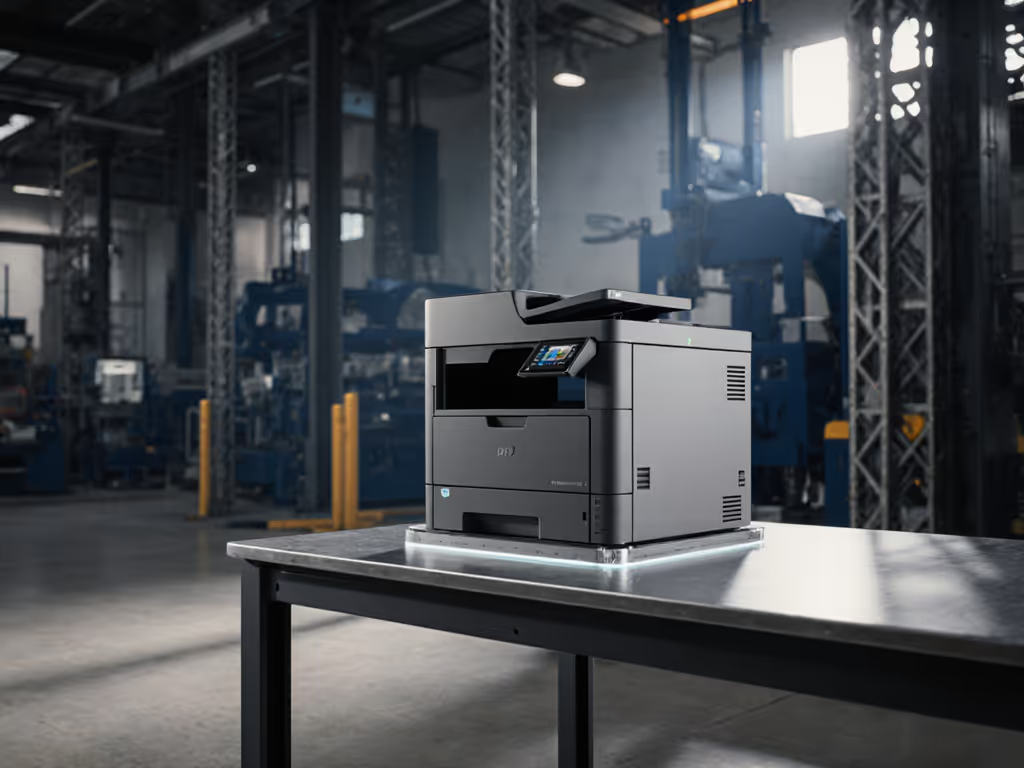
Mount printers on anti-vibration pads rated for the machine's weight + dynamic load. Never bolt directly to production line frames. Verify vendor specs include operational vibration tolerance (not just storage specs).
Beyond the Datasheet: Maintenance and Workflow Realities
Vendors oversell specs while underselling maintenance needs. A "high-temperature printing" unit may operate at 104°F but require weekly cleaning at that threshold. Critical service-window assumptions:
- Consumables life drops 25-40% in dusty environments (plan for 1.5x toner/kit frequency)
- Firmware updates must preserve driver compatibility; audit patch notes for "security hardening" that breaks legacy workflows
- Supply chains fail: Ensure multi-vendor consumable options (e.g., non-chipped cartridges)
Standardization isn't about picking one model, it's about limiting meaningful variance. For example:
- Do standardize: Driver stacks, paper sizes, scan destinations
- Don't standardize: Devices with incompatible service parts or security protocols
Workflow Integration: Your Uptime Insurance
The biggest uptime gains come before purchase. Map document flows like you'd map a production line: Where does dust ingress occur? When do temperature spikes happen? Who handles jams? Checklist for workflow-first deployment:
- Confirm print jobs align with actual shift patterns (avoid overnight jobs in unheated facilities)
- Verify scan destinations integrate with existing systems (no manual SharePoint uploads)
- Test mobile printing with wearables/gloves (common in manufacturing) For step-by-step rollout across brands, use our secure mobile printing guide.
- Schedule maintenance during natural downtime (e.g., breaks between shifts)
In regulated environments like healthcare or logistics, mismatched workflows create compliance risks, think shipping labels printing smudged barcodes during humidity spikes. To ensure scannable codes under real factory conditions, see our QR vs barcode printing accuracy guide. Track failure modes by workflow type, not just device model.
Final Verdict: Prioritize Survival Over Specs
Manufacturing floor printers demand environmental respect, not just rugged claims. Avoid novelty traps, focus on provable uptime in your conditions. When evaluating factory floor printing solutions, prioritize these evidence-based criteria:
- Documented environmental testing (not just "industrial" marketing)
- Driver continuity across Windows/macOS/VDI
- Predictable maintenance costs at your facility's temp/humidity extremes
- Workflow integration (scan-to-system, not scan-to-email)
Map the job, then spec the device. Standardization beats variance when uptime is non-negotiable. The right vibration-tolerant printers won't just survive, they'll cut ticket volume while keeping your TCO transparent. Remember: Dust and heat are inevitable; preventable downtime isn't.
Related Articles