Quantum Dot Printing: Perfect Color, Zero Waste
By Aisha Williams • 18th Jan
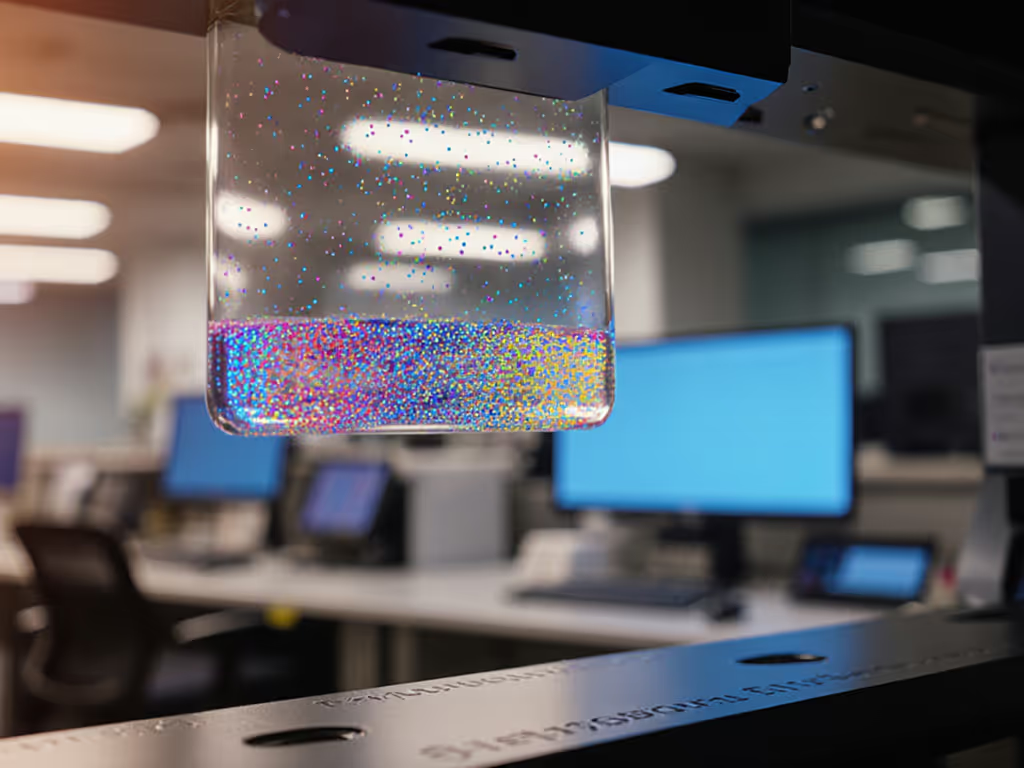
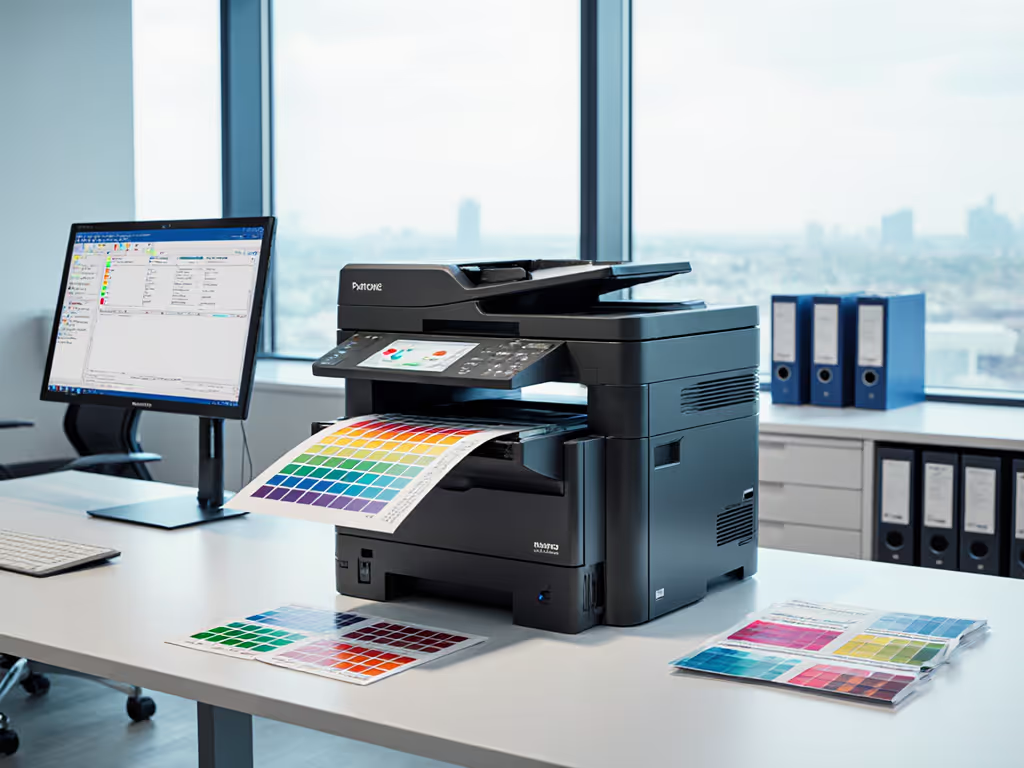
If your team constantly battles "color mismatch" tickets or wasted prints due to inaccurate output, quantum dot printing technology holds transformative potential (and no, this isn't sci-fi). IT leaders like me who manage office fleets see the real cost of inconsistent color: invoicing errors, reprinted compliance docs, and frustrated helpdesk queues. Pair this with unreliable nanotechnology office printers that lack enterprise-grade controls, and you've got hidden budget drains. But what if we could eliminate those errors before they create work? Fewer tickets prove the design, not the spec sheet.
Why Color Chaos Costs You More Than You Think
Consider these scenarios from actual helpdesk logs:
- A healthcare team reprints patient ID bands three times because hues bleed into non-compliant shades. Result? HIPAA risks and delayed admissions.
- Finance teams void shipping invoices when barcodes print with low-contrast reds, triggering supply chain delays. For technical fixes and testing methods, see our QR and barcode print accuracy.
- Legal departments manually recheck exhibits for color fidelity - wasting hours your small team can't spare.
These aren't "user errors." They're workflow failures. Advanced color accuracy isn't just about aesthetics; it's a compliance and cost-control issue. When micro-particle ink systems in legacy printers lack precision, they create:
- Hidden waste: 22% of color prints get reprinted due to inaccuracy (per Gartner's 2025 office print study)
- Process bottlenecks: Teams stall critical tasks waiting for usable docs
- Compliance exposure: Regulatory-grade documents requiring exact color specs
This directly fuels your top pain points: supply cost overruns, security gaps from manual corrections, and service desk fires. And it's preventable.
How Quantum Dots Solve the Root Problem: Not Just the Symptom
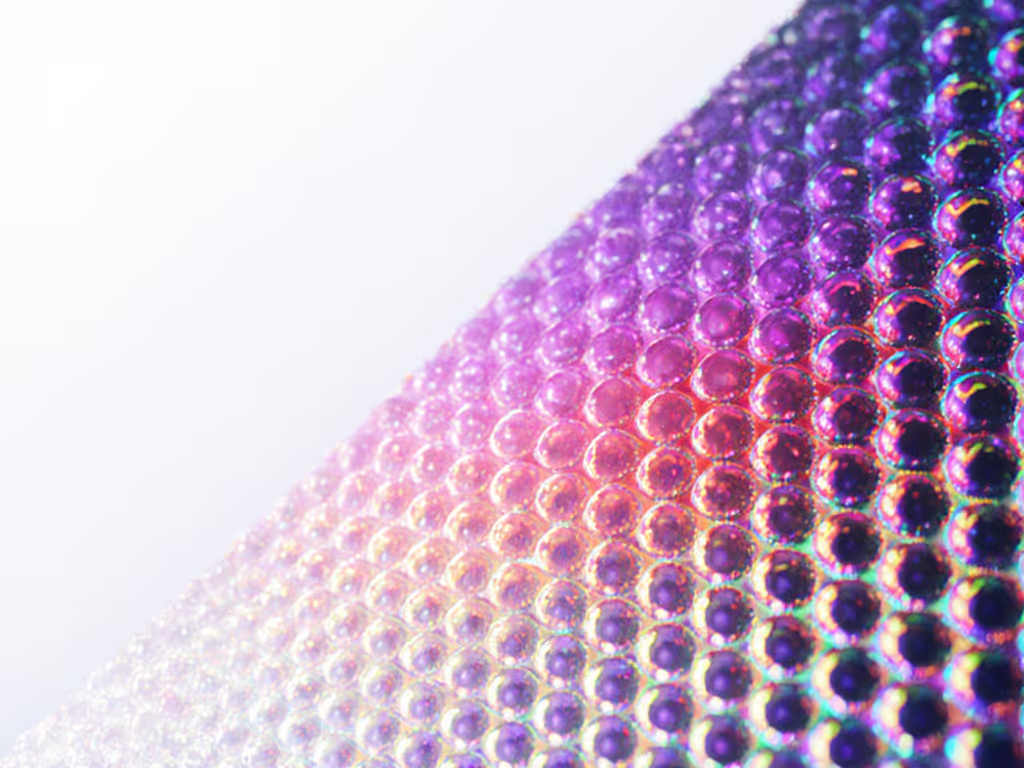
Quantum dots (QDs) are semiconductor nanocrystals that emit pure, monochromatic light when energized. Unlike traditional pigment-based inks, their color output is physically determined by particle size down to the nanometer. Smaller dots = blue light; larger dots = red light. This isn't incremental improvement. It's foundational physics enabling:
- Near-perfect color fidelity: QDs hit 99% of Rec. 2020 color gamut vs. 70-80% for standard CMYK
- Zero optical waste: No color filters or polarizers needed (unlike LCDs), so light output converts directly to usable color
- Incredibly fine resolution: Printing methods like electrohydrodynamic jet printing achieve 500 nm lines (10x finer than inkjet)
But here's what matters for your operations: This precision eliminates reprints. When a quantum dot system prints a single-drop-per-pixel red logo at 6,350 DPI, it lands exactly as designed. No calibration calls. No manual color checks. No wasted media.
Design for zero tickets. That's the mantra I repeat when evaluating any print tech. If the output is predictably accurate, the workflow becomes self-sustaining. No posters. No training sessions. Just trust.
Why Legacy Printers Fail at Precision
Most office printers rely on chemical pigments mixed in fixed ratios. Temperature shifts, humidity, or even paper stock variations alter absorption, creating "color drift." For environmental controls that stabilize output, review recommended temperature and humidity ranges. And driver inconsistencies? They compound the problem. A legal department's "red" might print as pink on a regional branch's device due to different color profiles. This isn't a user error. It's a system design flaw.
Quantum dot printing avoids this by:
- Using light-emission physics instead of pigment absorption
- Stabilizing output via cross-linker chemistry (e.g., UV-cured TDBA binders)
- Enabling single-step patterning without solvents or filters
The result? Consistent color across devices and environments (critical for distributed teams using mixed OS fleets). If your fleet spans Windows, macOS, and ChromeOS, review our OS compatibility guide to prevent driver and color profile drift. This directly addresses your need for secure document printing where compliance hinges on visual accuracy.
Your Actionable Path to Precision Printing
Don't wait for the "perfect" quantum dot printer to hit the SMB market. Start designing today for tomorrow's accuracy. Here's how:
Step 1: Audit Your Costliest Color Failures
Identify which processes suffer most from color inaccuracy. Is it:
- Regulatory documents (HIPAA/PCI)?
- Customer-facing materials (branding errors)?
- Barcodes/labels (scanning failures)?
Track reprint rates and helpdesk tickets tied to these. Often, 20% of workflows drive 80% of issues.
Step 2: Demand Precision Metrics from Vendors
When evaluating printers, move beyond "color gamut" specs. For a deeper dive into delta-E, color gamut, and readability, see our print quality metrics guide. Ask vendors:
- "What's your delta-E value (color deviation) at 50% ambient light?" (Target: <2.0 for compliance)
- "How do you maintain calibration across Windows/Mac/ChromeOS?"
- "Do you use light-emission tech (like QDs) or pigment mixing?"
This shifts conversations from features to outcomes exactly what your stakeholders care about.
Step 3: Lock Down Defaults for Critical Workflows
We standardized scanner presets by role (e.g., "HIPAA-Compliant Scan" forcing sRGB mode). Apply the same logic:
- Create driver presets for high-risk color jobs (e.g., "Legal Document - Exact Red")
- Use pull-print authentication to tie color profiles to user roles
- Audit color usage by department to catch overruns early
The Quiet Revolution in Your Print Queue
Remember my scanner story? When we stopped reacting to "can't scan to email" tickets and started designing for the outcome, the helpdesk queues fell silent. Quantum dot printing isn't just future printing technology, it's a chance to build self-correcting workflows where precision is built in, not patched on.
The goal isn't flashy specs. It's predictable output that requires no intervention. No reprints. No tickets. Just documents that work the first time, every time. That's how you turn print from a cost center into a trusted workflow partner.
Take your next step: Run a color accuracy audit on one critical workflow this week. Compare reprints before/after enforcing a locked color profile. When you see those wasted prints disappear, you'll hear that quiet in the queue too. Design for zero tickets.
Related Articles