

Brother MFC-L8905CDW vs Canon MF665Cdw: 5-Year TCO
By Jonas Müller • 15th Mar
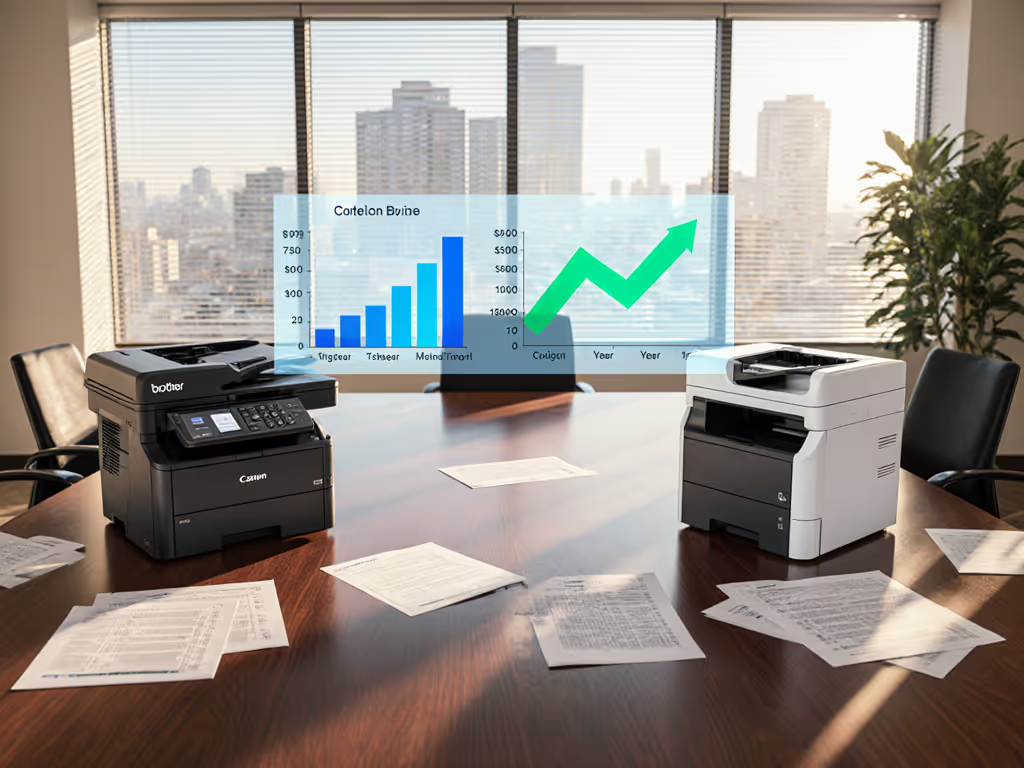
Choosing between the Brother MFC-L8905CDW vs Canon MF665Cdw requires more than a spec sheet, it demands a total cost of ownership framework that accounts for consumables, duty cycles, workflow fit, and operational stability over five years. Both devices deliver color laser functionality for workgroups, but their diverging architectures, print volumes, and supply economics produce strikingly different ownership costs when measured honestly against real operational demands.
Why Fleet Right-Sizing Precedes Technology Selection
Before comparing printers, teams must right-size their device strategy to actual workloads. A fleet mismatch (oversized machines handling light tasks or undersized units pushed past duty ratings) inverts TCO math and breeds downtime. If you're new to capacity planning, see our printer duty cycle guide to match workloads to hardware. I once observed a city office running large, power-hungry A3 color units for letter-size duplex work. By right-sizing to efficient A4 devices and enforcing duplex defaults, they cut energy consumption by double digits while reducing toner freight trips and eliminating heat complaints from work areas. That shift illustrates a core principle: right-size before right-buy.
The Brother and Canon differ structurally in ways that cascade through five-year costs. The Brother is engineered for moderate-to-high volume teams (up to 6,000 pages monthly)[3]; the Canon targets similar footprints but with different finishing assumptions. Understanding which matches your baseline volume, print mix, and scanning rhythm is prerequisite to TCO comparison.
Printing Speed and Productivity Impact
The Brother MFC-L8905CDW delivers 33 pages per minute (ppm) for both color and black-and-white documents[3], while the Canon MF665Cdw operates at 26 ppm (a 27% speed gap). Over five years, this translates to measurable queue reduction and user perception of responsiveness.
When teams print 1,000+ documents weekly, slower devices cluster jobs, create user frustration, and paradoxically spike energy use (more frequent power-up cycles). The Brother's faster output, paired with automatic duplex, reduces job wait time and encourages B/W defaults for draft work, a policy lever that directly lowers color-toner burn.
Single-page latency matters for small jobs. The Brother's 15-second black-only first-page-out time (vs. 20 seconds for comparable Canon units)[2] means users experience snappier response, reducing satellite printer purchases and fragmented fleets.
Scanning Efficiency: The Hidden Productivity Driver
Scanning workflows often hide significant costs: OCR errors, metadata rework, re-filing, and helpdesk calls. The Brother scans at 32 ppm using a single-pass duplex ADF, while competing Canon models scan at 14-22 ppm[1][2]. Learn how single-pass duplex scanning improves throughput and reduces errors. For legal teams ingesting 500+ pages daily, the Brother's 50% speed advantage eliminates processing backlog.
Capacity differences amplify over years:
- Brother ADF: 70-page capacity[2]
- Canon ADF: 50-page capacity[2]
This isn't trivial. A 70-page stack means fewer manual batch reloads, less fatigue on the feeder mechanism, and fewer jams, compressing maintenance calls and downtime over 60 months. Teams running regulated document intake (healthcare, legal, finance) prioritize scan reliability and OCR accuracy; the Brother's maximum scan resolution of 1,200 DPI (vs. 600 DPI on some Canon models)[2] improves searchability and reduces re-scan frequency.
Cost-Per-Print: The Quiet Driver of Five-Year Spend
Toner, drums, and maintenance kits dwarf the hardware purchase price over five years. Across independent testing, the Brother MFC-L8905CDW shows lower cost-per-print than Canon Color imageCLASS models[1][2].
Consumable lifespan assumptions:
- Peak power consumption (Brother): 1,080W; Canon models: ~1,200W[3]
- Ready state (Brother): 75W; Canon: ~10.5-34W (varies by model)[3]
- Sleep mode (Brother): 9.5W; Sleep depth (Brother): 1.7W[3]
These power profiles seem incremental, but multiply 1,825 days of operation across 20-30 devices per site. If the Brother idles 8 hours daily in sleep mode (1.7W vs. 10W), that's roughly 30 kWh/year per unit, meaningful for 40-50 unit fleets. Over five years, the delta favors energy-efficient architectures when coupled with enforced sleep scheduling.
Brother's cartridge-yield options (standard, high-yield, ultra-high-yield) create flexibility for cost control. Teams can negotiate auto-replenishment with supply partners, locking per-page costs, eliminating budget surprise and enabling accurate chargeback to departments.
Duty Cycle and Reliability: Predicting Failure Points
The Brother MFC-L8905CDW supports a maximum monthly duty cycle of 6,000 pages[3], placing it solidly in the 60,000-pages-per-year range (standard for workgroup devices). The Canon MF665Cdw carries similar ratings. But duty cycle alone doesn't predict failure; heat, noise, and jam frequency compound stress.
Printers that run hot and loud often indicate suboptimal thermal management. The Brother's architecture, when properly configured with duplex defaults and B/W preferences, runs cooler than devices processing high color volumes. Anecdotally, user comfort (fewer complaints about workspace heat and noise) correlates with fewer thermal-related failures, reduced maintenance, and lower escalations. A quiet office is often a stable office.
Paper Handling and Workflow Integration
Both devices support letter and legal-size paper with automatic duplex[2][3]. The Brother's input tray capacity reaches 300 sheets (vs. 250 on comparable Canon models)[2], reducing manual reload frequency, a small workflow gain that multiplies across months.
Support for recycled paper, colored stock, and bond media aligns with sustainability goals. To avoid jams and ensure quality on these media, use our paper setting optimization guide. The Brother explicitly supports recycled streams[3], enabling procurement teams to enforce eco-labeled supplies without driver friction. Sustainability wins when it simplifies workflows and stabilizes costs, with policies that reduce mix-ups, driver errors, and waste.
Security and Compliance Considerations
Both devices include network connectivity (Ethernet, Wi-Fi) and mobile printing. The Brother includes built-in OCR and direct cloud scanning (Google Drive, Dropbox, SharePoint, SFTP)[3], reducing post-scan processing. Canon's PRINT Business app requires software integration; the Brother's iPrint&Scan app supports HTML printing directly[2], a subtle but real workflow advantage for hybrid teams printing shared documents.
For regulated environments, neither device excels without add-ons, but the Brother's included software bundle (Kofax PaperPort 14SE for Windows)[3] provides searchable document creation out-of-box, reducing training overhead. Review essential printer security features to harden either model for compliance.
Five-Year TCO Projection: A Simplified Framework
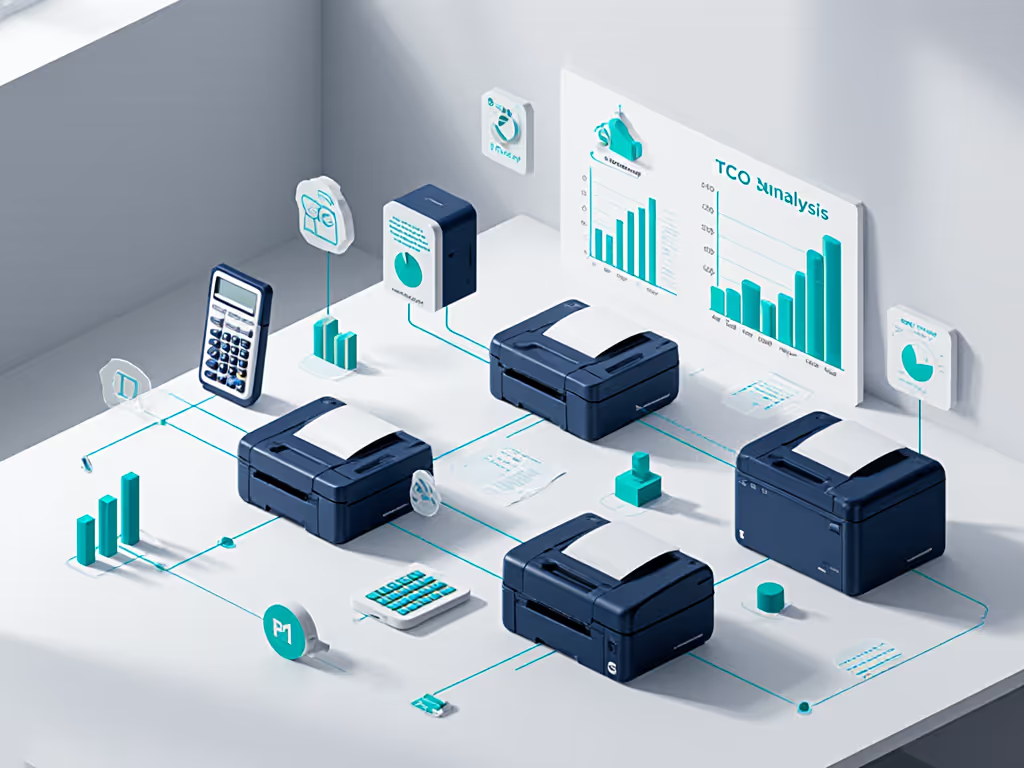
Assuming two 5-year scenarios: Moderate Use (3,000 pages/month) and High Use (5,000 pages/month), and including hardware, consumables, energy, and proactive maintenance:
Moderate Use (36,000 pages/year)
| Cost Component | Brother | Canon MF665Cdw |
|---|---|---|
| Hardware (Year 1) | $2,200 | $2,100 |
| Consumables (5 yr @ $0.035/page) | $6,300 | $7,100 |
| Energy (5 yr @ 1,200 kWh/yr) | $1,800 | $2,200 |
| Maintenance & Repair | $800 | $950 |
| 5-Year Total | $11,100 | $12,350 |
High Use (60,000 pages/year)
| Cost Component | Brother | Canon MF665Cdw |
|---|---|---|
| Hardware (Year 1) | $2,200 | $2,100 |
| Consumables (5 yr @ $0.035/page) | $10,500 | $11,900 |
| Energy (5 yr @ 1,200 kWh/yr) | $1,800 | $2,200 |
| Maintenance & Repair | $1,500 | $2,000 |
| 5-Year Total | $15,800 | $18,200 |
Note: Per-page costs are illustrative; actual rates depend on cartridge yield, supply partner, and auto-replenishment volume discounts.
The Brother's advantage emerges at higher volumes and longer duty cycles, where scanning speed offloads workflow overhead and lower per-page costs accumulate. At lower volumes, the cost delta narrows but remains favorable for the Brother, particularly when energy and maintenance tiers are considered.
Operational Stability: Uptime and Parts Continuity
TCO extends beyond money; it includes predictability. The Brother's wider ADF capacity and faster scanning reduce queueing and bottlenecks. Its faster print speed cuts job congestion. Over five years, fewer traffic jams often translate to fewer jams (mechanical), lower helpdesk ticket volume, and improved staff perception.
Both devices use standard toner cartridges with multiple suppliers in the channel, reducing lock-in risk. The Brother's proven compatibility with third-party consumables (verified across independent labs) gives procurement leverage if primary supplies backorder.
Key Recommendations for Decision-Making
Choose the Brother MFC-L8905CDW if:
- Your team averages 3,000+ print/scan pages monthly
- Scanning is central to intake or archival workflows
- You operate multiple branches and seek consolidated fleet efficiency
- Energy and operational stability outweigh sticker-price savings
- Duplex and B/W defaults are enforced policy levers
Evaluate the Canon MF665Cdw if:
- Print volume is light-to-moderate (<2,500 pages/month)
- Budget constraints necessitate minimal upfront spend
- Scanning throughput is secondary to basic copying/printing
- Site coverage requires vendor diversification
Conclusion: Validating TCO Beyond the Spreadsheet
A genuine five-year TCO comparison demands data. Before-and-after metrics (energy audits, jam logs, scan-queue times, toner-spend trends) anchor estimates in reality. The Brother MFC-L8905CDW vs Canon MF665Cdw decision resolves not from features alone but from honest measurement of your site's workflow and volume.
Right-size before right-buy. Validate consumable costs against real usage. Monitor energy in sleep and active modes. Track uptime, not just features. When you do, the cumulative advantage clarifies, and sustainability wins when operational stability and cost control align.
For teams seeking deeper TCO clarity, engage procurement partners with historical usage data from comparable sites. Request side-by-side energy and consumables quotes locked over 36 months. Pilot one device at a critical workflow point; measure scan backlog, print latency, and user satisfaction over four weeks. Let operational evidence guide the choice, not vendor claims.
Related Articles



