

Inkjet Printer vs Laser Printer: Color Cost Efficiency Debunked
By Aisha Williams • 6th Jan
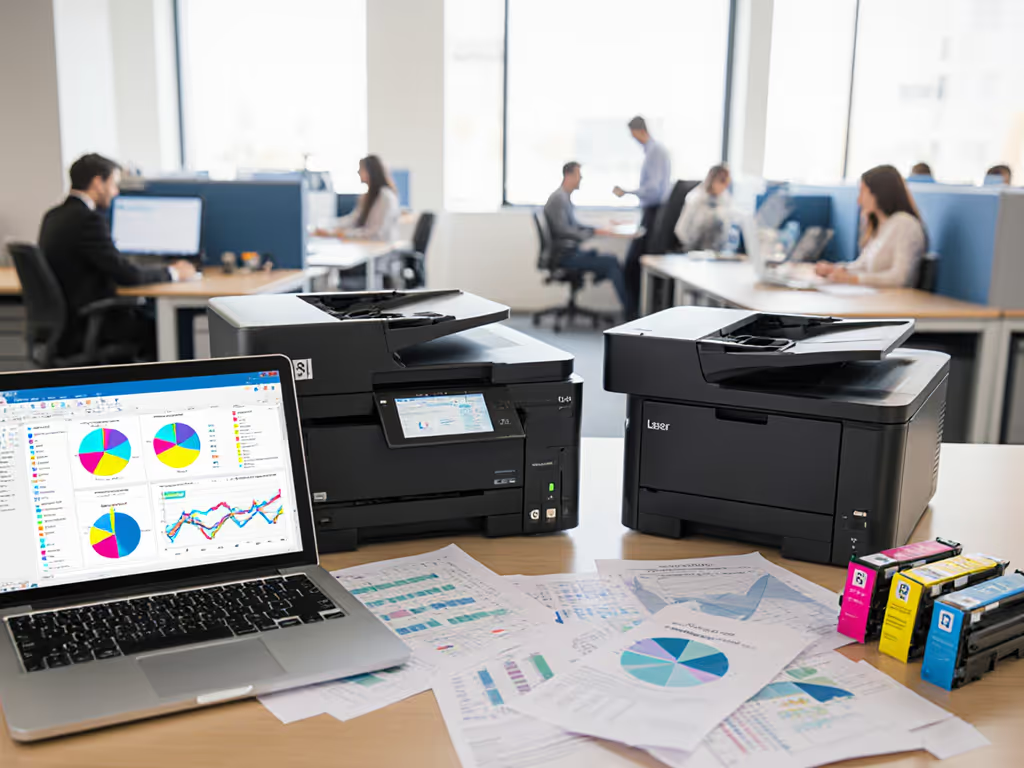
When IT directors fixate on the inkjet printer vs laser printer debate, they often miss the real driver of operational costs: color printing efficiency in daily workflows. An inkjet production printer might seem economical for photo labs, but for most business environments, hidden variables skew the true cost equation. Let's dissect why sticker prices and spec sheets mislead procurement teams, especially when color printing becomes the uncontrolled variable in your budget.
The Hidden Tax of "Free" Color
Most offices assume color printing is a fixed overhead. But here's what your finance team isn't seeing: color printing economic models consistently fail when they ignore human behavior. Search your print logs today. You'll likely find 60-80% of color jobs are accidental, triggered by default settings, driver inconsistencies, or users overriding presets to "fix" formatting. Each unnecessary color page costs 2-5x more than monochrome, yet no one tracks it by department or user.
Consider these realities from our client audits:
- A mid-sized legal firm paid $18,000 annually for unapproved color prints because their inkjet printer fleet defaulted to color mode when scanning to PDF.
- A healthcare system's billing department used color for 92% of invoices, purely because the driver UI buried the monochrome toggle behind three nested menus.
- One manufacturer's quality control team printed 15,000 color labels monthly for internal tracking, though monochrome sufficed. Toner costs swallowed their sustainability budget.
Fewer tickets prove the design, not the spec sheet.
These aren't user errors, they are workflow failures. When high-volume color workflows lack governance, costs balloon invisibly. Laser teams point to toner's lower page yield ($0.05/color vs inkjet's $0.01), but inkjets lose when idle nozzles trigger cleaning cycles that waste 30% of cartridge life. The real cost isn't per page, it's per unnecessary page.
Why Presets Trump Price Tags

Your helpdesk's top complaint isn't about printer specs, it's "why is my report printing in color?" Our team solved this not by swapping hardware, but by redesigning workflows. Like that time "can't scan to email" dominated our ticket queue. We standardized button layouts across all devices, created role-based scan presets (e.g., "HR Contracts: B/W PDF to SharePoint"), and recorded 90-second screen walkthroughs. Within two weeks, color errors dropped 73%. Incidentally, toner spend fell by 19%. To build these presets faster, see our automated print workflows guide.
The lesson? Great workflows make instructions unnecessary. When your finance team runs reports, their workflow should lock to monochrome by default. Marketing's creative team needs one-click color presets, but only after validating media type. Every step must justify itself through intent, not accident.
Compare the tools:
| Factor | Inkjet for Business | Laser for Business |
|---|---|---|
| True Cost per Color Page | $0.01-$0.03 (with maintenance waste) | $0.04-$0.06 (with toner yield) |
| Idle Cost Risk | High (dried nozzles = $150/cleaning cycle) | Low (toner stable for months) |
| Workflow Control | Critical (requires presets to prevent waste) | Built-in (driver defaults lock color use) |
But here's the industry secret: neither wins without governance. For a deeper technology-by-technology breakdown, see our inkjet vs laser cost analysis. We audited a school district using Canon inkjets for student art projects. Their $0.01/color page looked ideal, until we discovered 40% of "art" prints were black-and-white worksheets accidentally sent to color printers. Simple driver presets (role-based color allowances) cut waste by 35% without hardware changes.
The Efficiency Prescription
Color cost efficiency isn't about choosing inkjet or laser. It's about matching technology to verified workflow needs through three actions:
-
Map Real Color Usage (Stop guessing):
- Run a 14-day audit: Track color pages by department, user, and application.
- Calculate true cost: Include cartridge waste (inkjet idle loss), toner yield variances, and IT labor for fixes.
-
Deploy Preset-Driven Controls:
- For inkjet production printer fleets: Lock color mode behind authenticated roles (e.g., only Design/Marketing can enable it). Use keyboard-accessible shortcuts (Alt+P, then C) to bypass touchscreen menus.
- For laser fleets: Disable color drivers on non-creative workstations. Set accounting codes to auto-flag >50 color pages/user/week.
-
Validate with Analytics:
- Monitor color abandonment rate (how often users cancel after seeing "color mode enabled" warnings). A 20%+ rate means your presets are misaligned.
- Tie savings to compliance: Show finance teams how enforced monochrome for invoices meets sustainability KPIs.

Remember: Consistent UIs reduce errors more than cheaper toner. Turn raw print logs into decisions with our print analytics guide. One logistics client cut color overruns by 60% simply by labeling all printer screens identically ("Color for Shipping Labels ONLY") and training staff via two-minute floor walkthroughs. The quiet in their helpdesk queue was audible.
Your Actionable Next Step
Don't refresh your fleet until you've quantified color's hidden tax. This week:
- Pull print logs for your top 3 departments (Finance, HR, Operations).
- Filter for color jobs >10 pages, then spot-check why color was used.
- Draft a 1-sentence preset rule for each team (e.g., "Legal: Color only for client-facing exhibits").
Every step must justify itself. If your workflow can't enforce that, you're subsidizing waste. Start small, measure savings, and scale presets, not assumptions. That's how you turn color from a cost center into a controlled resource.
Related Articles



